Product
Show The Scene You Have In Mind.
Create character and scene images for your videos, then keep, refine or replace them as your story takes shape.
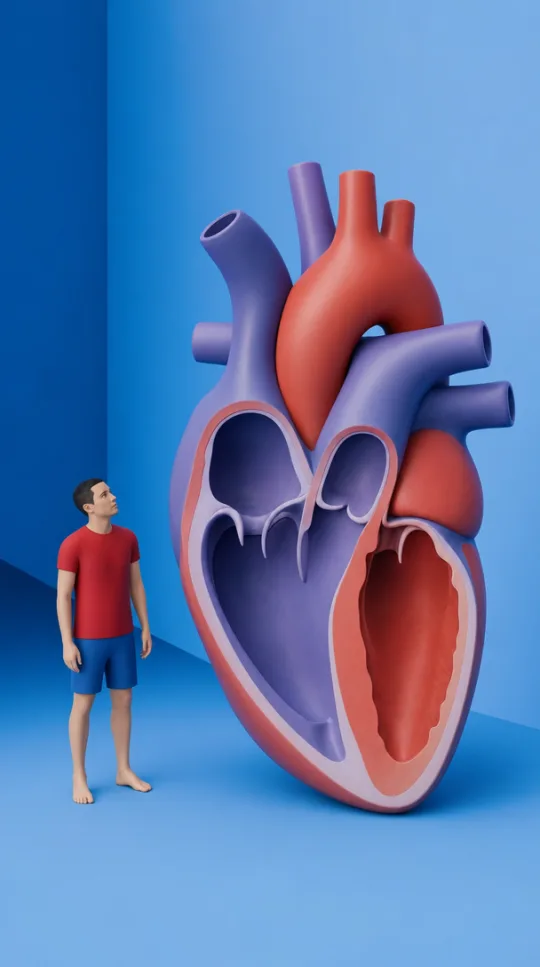
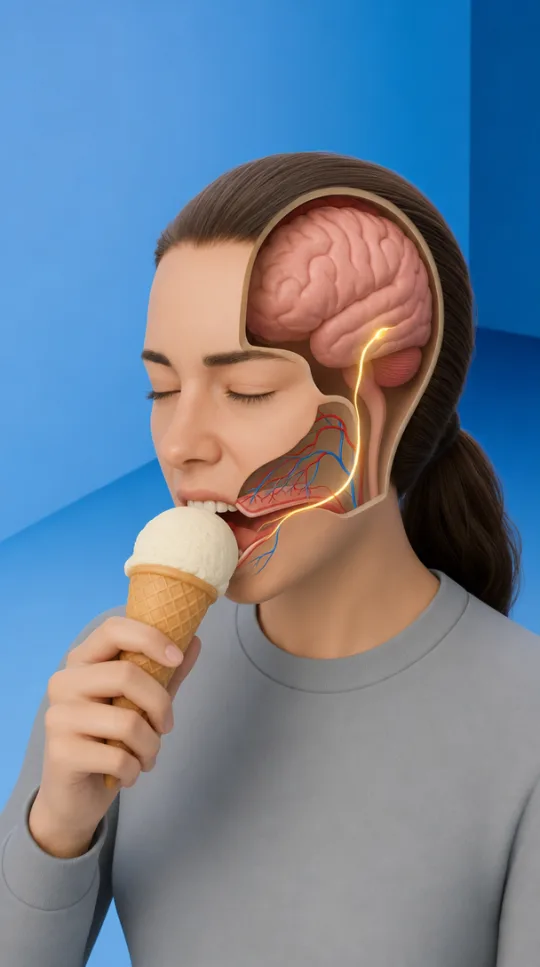
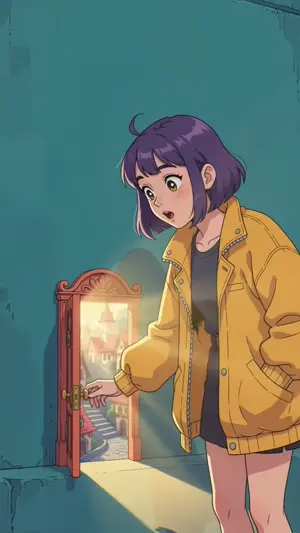
One Story, Scene By Scene.
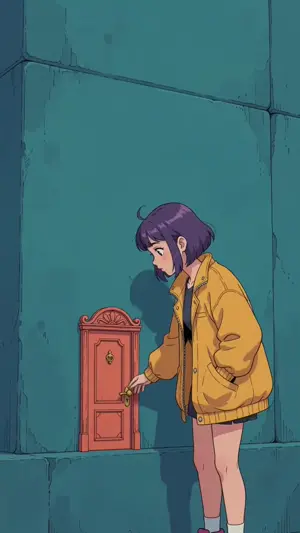
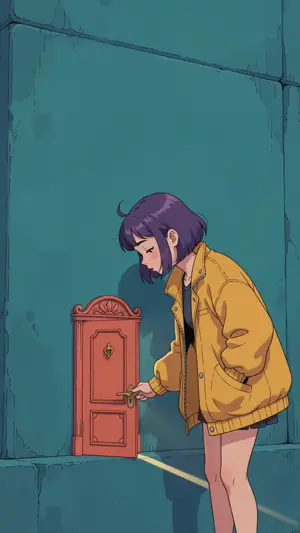
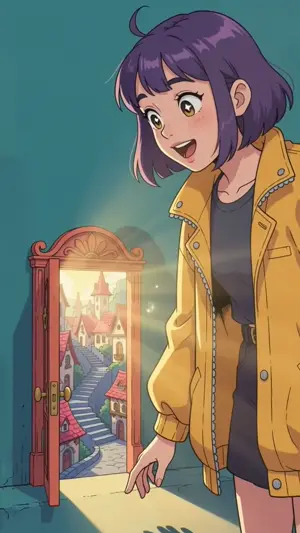
Scenes for "The door that only opens at midnight", made by the DreamWild team for our demo.
Start With The Story.
Describe the person, place or moment your video needs. Choose a visual direction that supports what you are trying to explain or the mood of the story.
Review Before You Move On.
Look at each image before using it in the next stage. Keep the take that fits, or adjust the direction and try again when it does not.
Carry Your Visuals Into The Video.
The images belong to the same project as your script and scenes. Build the visuals around the narration so the finished video has a clear relationship between what viewers see and hear.
Frequently Asked Questions
Can I Change An Image I Do Not Like?
Yes. Revise the scene direction and generate another take. New generations use credits.
Are The Images Unique To Me?
They are generated around your idea and the style you choose. We do not promise exclusive rights to an idea or a style.